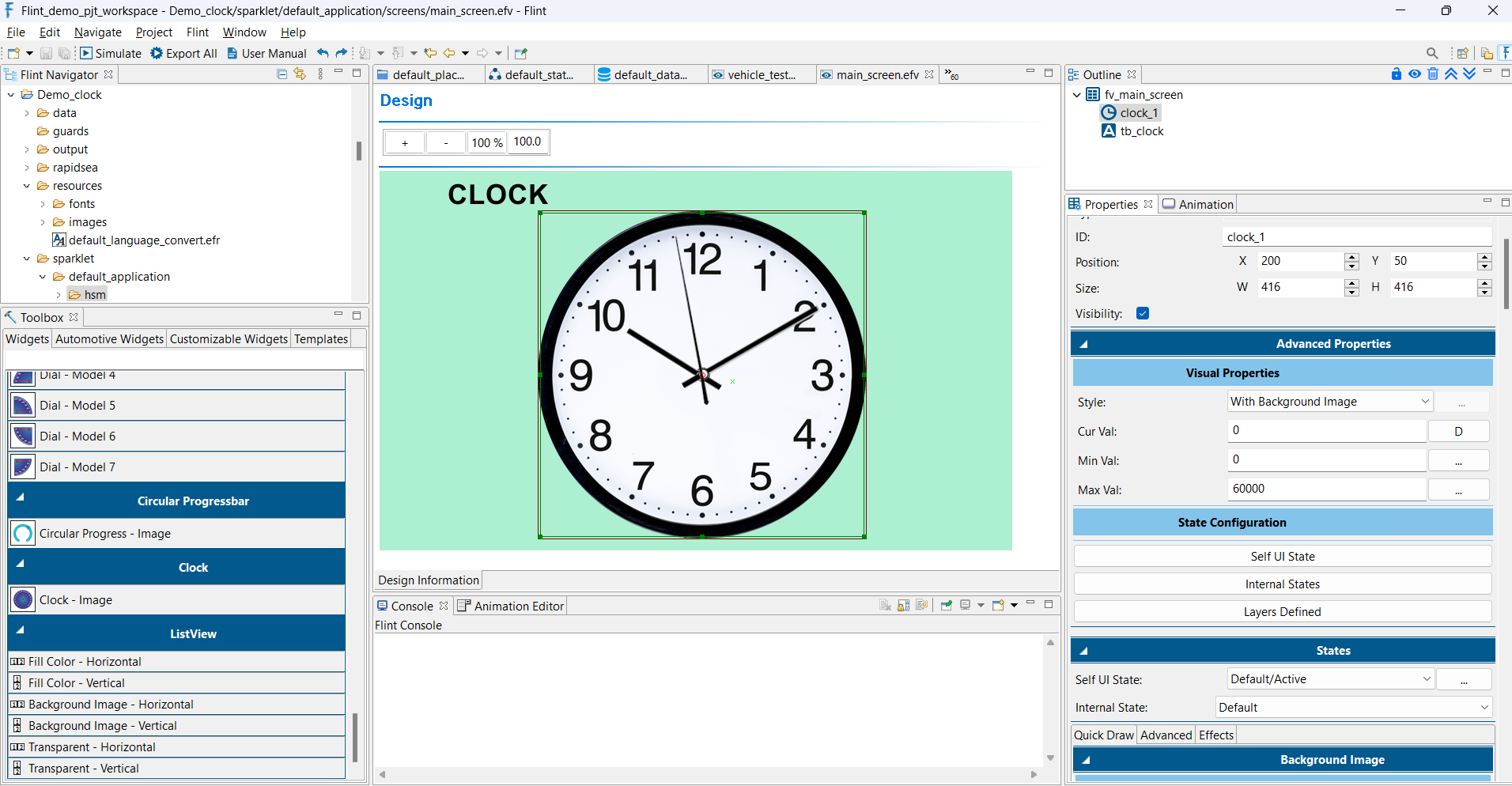
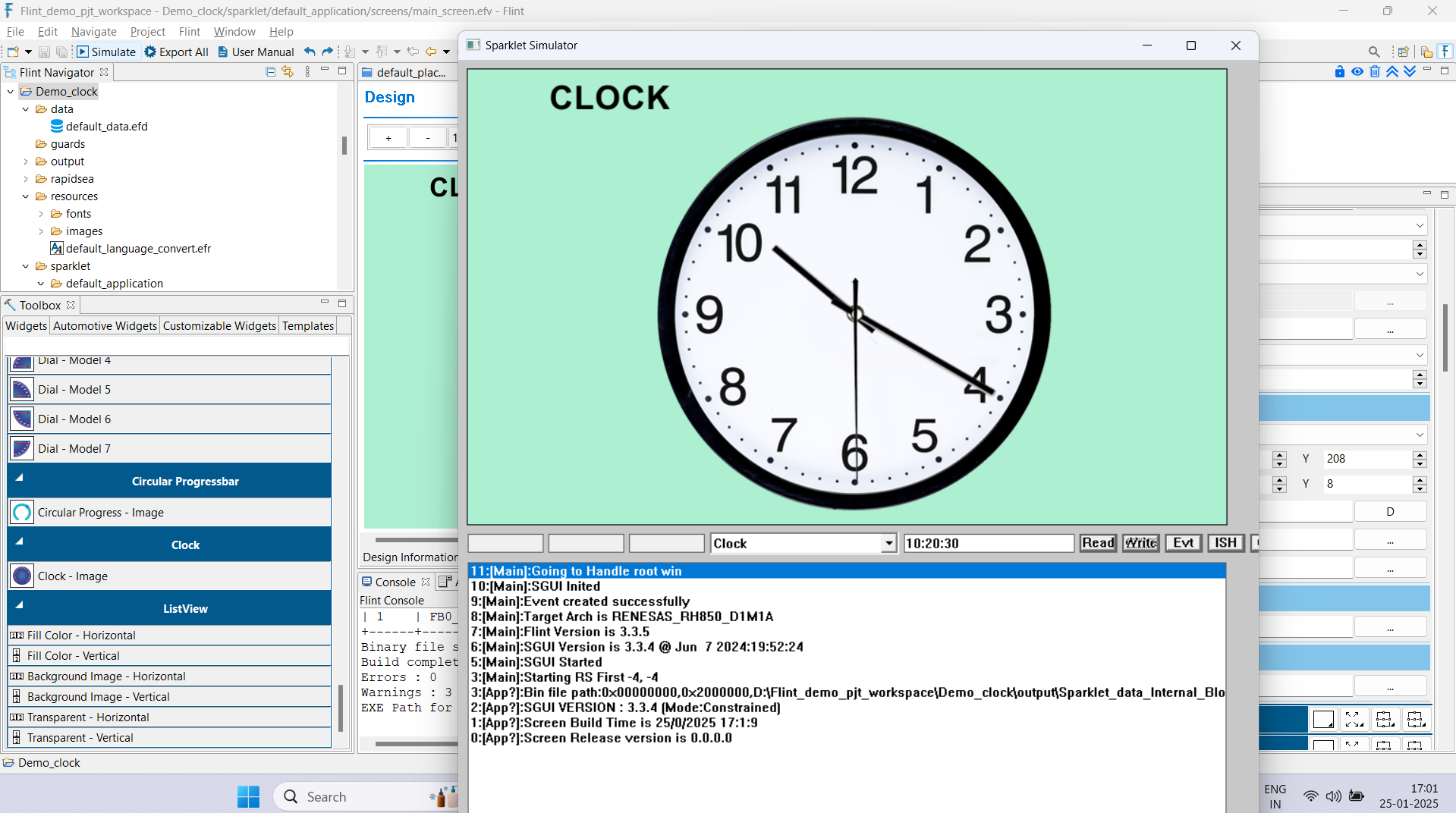
Navigate to the Advanced tab within the Properties section. For the Hour, Minute, and Second Hand Image layers, set the Image Style to Rotated Image. Configure the Pivot and Center (the axis of needle image rotation), along with the Start Angle and End Angle. Map the Widget data to Current Angle.
Tips - For a quality outcome, it is recommended to have at least one transparent pixel around the needle image (or any other rotating image) to prevent unexpected visual distortions.